
Advertorial · Paid promotion
zynexapcnet
Updated 25.08.2026 See NordPass

Digital security 7 min read 25 August 2026

The everyday password problem most people don't think about until it becomes inconvenient

Count the accounts you've made over the years and you'll probably lose track somewhere in the twenties. Email, banking, a handful of shops, a work login or two, streaming, a fitness app you used once. Each one asked for a password, and each password had to live somewhere — in your head, in a browser, on a sticky note by the monitor.

For a long time, none of that feels like a problem. It becomes one the moment you're locked out of an account you actually need, staring at a reset link while the clock runs.

Explore NordPass plans Sponsored link · opens nordpass.com
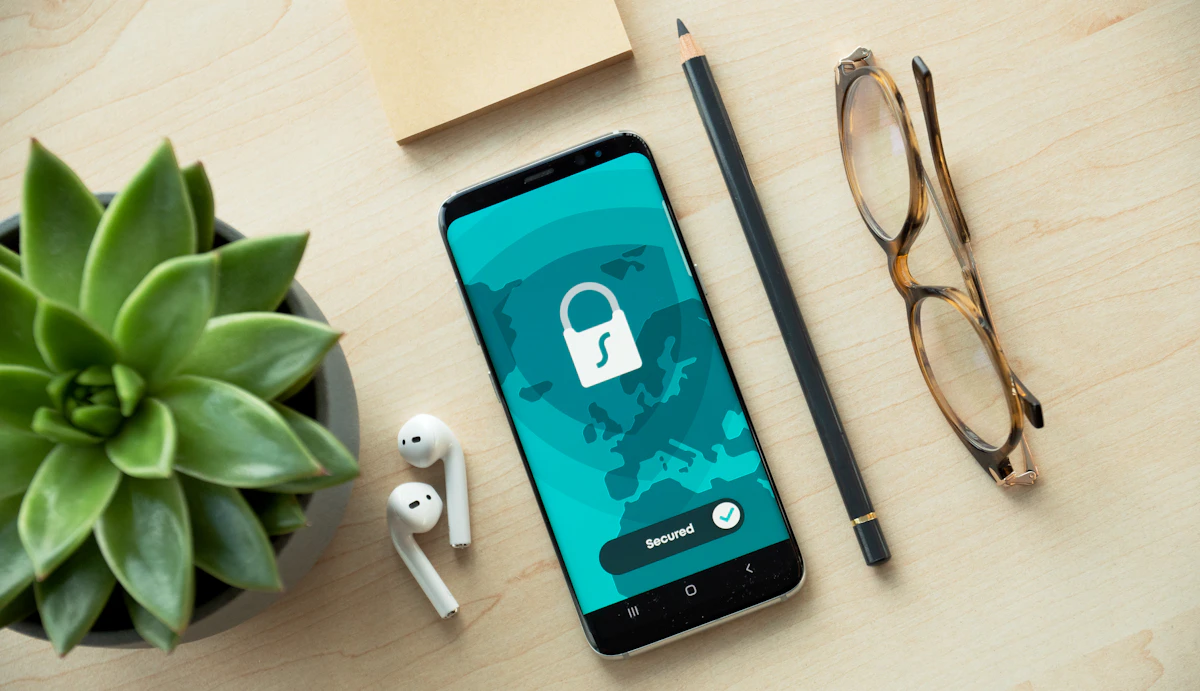
A smartphone showing a teal padlock security screen on a light wooden desk, beside a plant, wireless earbuds, a pencil and a pair of glasses
This piece looks at why credentials pile up into a mess so quietly, what “organized” passwords really means, and what to weigh before picking any manager — not just this one.

How a handful of logins becomes an unmanageable pile

The trouble rarely arrives all at once. It accumulates.

You start with one memorable password and reuse it because remembering a dozen unique ones is genuinely hard. Then a site demands a symbol and a number, so you make a variant. Another forces a reset, so now there are two versions floating around. Some passwords end up saved in Chrome, others in Safari on your phone, a few written in a notebook drawer, and a couple you simply can't recall at all.

Updating anything makes it worse. Change a password on your laptop and the version your phone remembers is suddenly wrong. Multiply that across years and devices, and the real issue isn't any single password. It's that you no longer know where each credential lives or which copy is current.

A password manager doesn't ask you to memorize your way out of this. It gives every credential one address instead of ten.

Why organization matters more than complexity

There's a common assumption that password security is mostly about difficulty — longer strings, stranger characters, more of both. That's part of it, but only part.

Just as much depends on how credentials are stored, retrieved, updated, and shared. A fiendishly complex password saved in a plain text file on your desktop isn't doing you many favors. A structured, encrypted place to keep everything changes the equation, because it addresses the whole lifecycle of a credential rather than the strength of one string.

NordPass builds its service around that idea. It keeps passwords, passkeys, credit card details, private notes, and other sensitive information inside an encrypted vault. Its documentation describes that vault as using XChaCha20 encryption together with a zero-knowledge architecture, meaning the system is designed so that the provider cannot read what you store. The practical upshot: your information stays protected while remaining available across the devices you actually use.
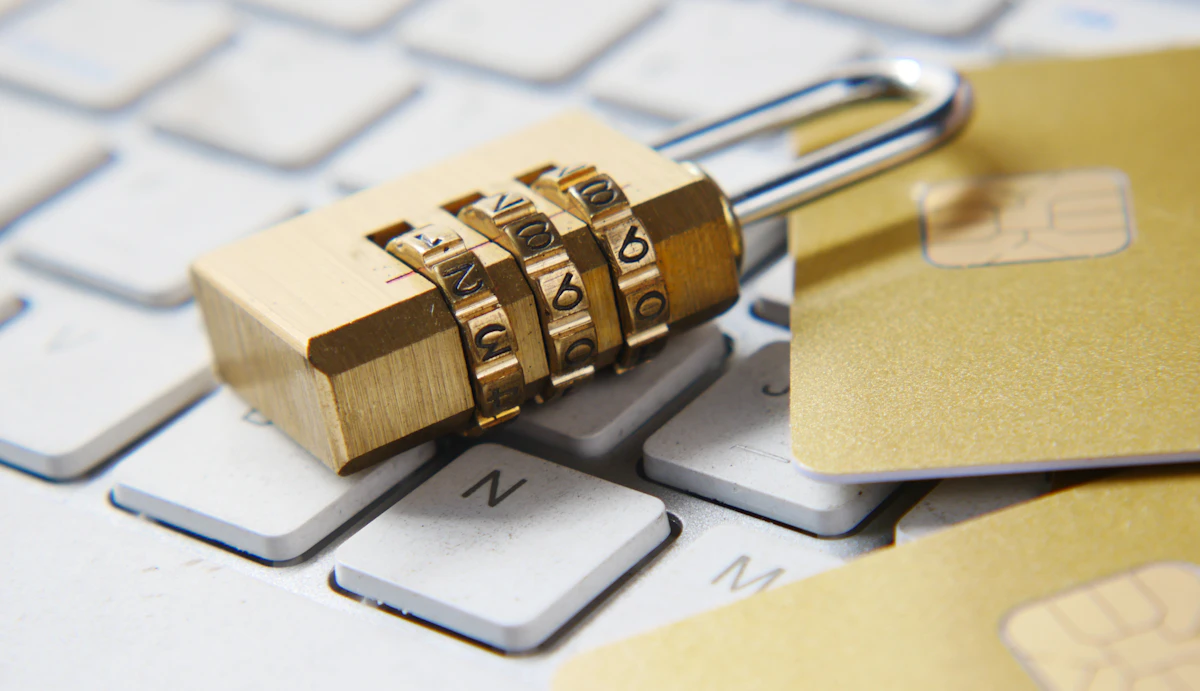
A brass combination padlock resting on a white computer keyboard alongside gold payment cards
A vault holds more than passwords — payment cards, passkeys and private notes end up in the same encrypted place.

What NordPass actually does

NordPass is a password and passkey manager built for both personal and business use. Stripped to its core, it gives your credentials one home and then makes daily logins less tedious. Here's how the everyday pieces fit together.

One encrypted vault

Everything in a single place

Rather than scattering logins across browsers, notes, and devices, NordPass stores them in a single encrypted vault. That same vault holds passkeys, credit card details, and private notes, so the information that usually ends up in five places sits in one.

Sync across devices

The same vault wherever you are

For anyone who bounces between a computer and a phone all day, this is where a manager earns its keep. NordPass syncs stored passwords, passkeys, notes, and more across supported platforms — Windows, macOS, Linux, Android and iOS — along with browsers including Chrome, Firefox, Edge, Opera and Safari.

Generator

A password generator

Inventing a fresh password for every account gets old fast. The built-in generator produces unique passwords to whatever requirements a site imposes, so you're not recycling the same one out of fatigue.

Autofill

Autosave and autofill

When you create an account or change a password, NordPass offers to save the details for you. Next time you return to a supported site, it fills them in, sparing you from typing the same credentials over and over.

Beyond passwords

Passkeys and more

NordPass stores passkeys, which offer passwordless sign-in for compatible services — another route into an account that doesn't lean on a memorized string at all. In practice that makes it less a password list and more a secure store for sensitive odds and ends.

The extra tools on paid plans

Depending on the plan you choose, NordPass adds features that go past basic storage. These won't matter to everyone — which is rather the point — so consider which you'd genuinely use.

Password Health

Flags credentials that may need attention, giving you a single overview instead of auditing accounts one by one.

Data Breach Scanner

On certain plans, surfaces information about potential exposure tied to your stored credentials.

Multi-factor authentication

Adds another layer for supported accounts and plans, on top of the credential itself.

Authenticator

Stores and manages TOTP codes inside NordPass, so you may not need a separate authentication app for compatible services.

What to weigh before choosing any manager

A password manager is more than a digital notebook, and the differences between options are worth understanding before you commit. A few questions help separate them.

  • 01How is your data encrypted, and does the provider use a zero-knowledge model?
  • 02Can it generate strong, unique passwords for you?
  • 03Does it autosave new logins and autofill returning ones?
  • 04Will your vault sync across your phone, laptop, and browsers?
  • 05Does it support passkeys, not just traditional passwords?
  • 06Can you share selected items securely with family or colleagues?
  • 07What extra security tools are bundled, and on which plan?
  • 08Is there a free tier, and what does the paid version add?

Your priorities will shape the answers. Someone who simply wants to stop forgetting logins has different needs from a business administrator handing out access to an entire team. Keep your own use in mind as you read the rest.

Sharing with families and teams

Password management isn't always a solo affair. A household might share a streaming or utility login; a business needs to hand employees access to shared credentials without emailing plaintext passwords around.

  • For households NordPass offers a Family plan covering multiple personal accounts, so shared logins have one home instead of circulating in a group chat.
  • For organizations Its Teams, Business and Enterprise products layer on administrative controls, shared folders, group management, activity monitoring, password policies and access controls, with the exact mix depending on the plan.

The common thread is controlled sharing: giving the right people access without scattering credentials into inboxes and chat threads.

Frequently asked questions

The questions readers ask most often before moving their logins into a vault.

What is NordPass?

A password and passkey manager that stores credentials, payment information, secure notes, and other sensitive data inside an encrypted vault.

Can NordPass generate passwords?

Yes. It includes a generator that creates strong, unique passwords based on the requirements you set.

Can NordPass autofill passwords?

Yes. Its autosave and autofill features save login details and fill them in automatically on supported sites.

Does NordPass work across multiple devices?

It syncs across supported platforms and browsers, including Windows, macOS, Linux, Android and iOS.

Can it store information besides passwords?

Yes. The vault also holds passkeys, credit card details, private notes, and personal information.

Is there a free version?

NordPass currently offers a Free personal plan alongside paid Premium and Family options. Features and device access differ between plans, so check the current plan comparison on the official site before deciding.

A few things to check before you decide

Before settling on any manager, weigh a couple of practical points. More features don't automatically mean a better fit, so favor the tools you'll actually use over the longest feature list.

Look at the security architecture too; NordPass describes its vault as using XChaCha20 encryption and zero-knowledge design, though it's sensible to read the current documentation yourself. And since a manager centralizes everything, protecting the account that unlocks the vault matters more than any single stored password, so lean on the account-protection features the provider recommends.

NordPassPassword and passkey manager

A more organized approach to your digital credentials

Managing online accounts shouldn't mean memorizing dozens of passwords or scattering logins across notebooks, browsers, and half-remembered files. A password manager pulls that clutter into one system — generating strong passwords, filling them in when needed, and keeping everything in step across your devices.

NordPass extends that with passkeys, secure notes, payment storage, sync, and additional security tools depending on the plan. If your collection of logins has quietly outgrown your memory, comparing the available plans is a practical next step.

Explore NordPass plans

This page is a paid advertorial brought to you by zynexapcnet.com. It is intended for promotional purposes only and should not be considered independent journalism, cybersecurity advice, financial advice, or a guarantee of protection from unauthorized access, data loss, identity theft, or security incidents. The content has been created or curated by the advertiser and may include affiliate links. We may receive compensation if you purchase a featured product or service through links provided on this website, at no additional cost to you. Product features, plan availability, pricing, discounts, supported platforms, security features, and terms may change. No password manager can eliminate every cybersecurity risk. Always review the provider's current documentation, plan details, privacy information, and security recommendations before making a purchase or storing sensitive information. Please review our Advertising Disclaimer, Terms and Conditions and Privacy Policy.